Quick Summary
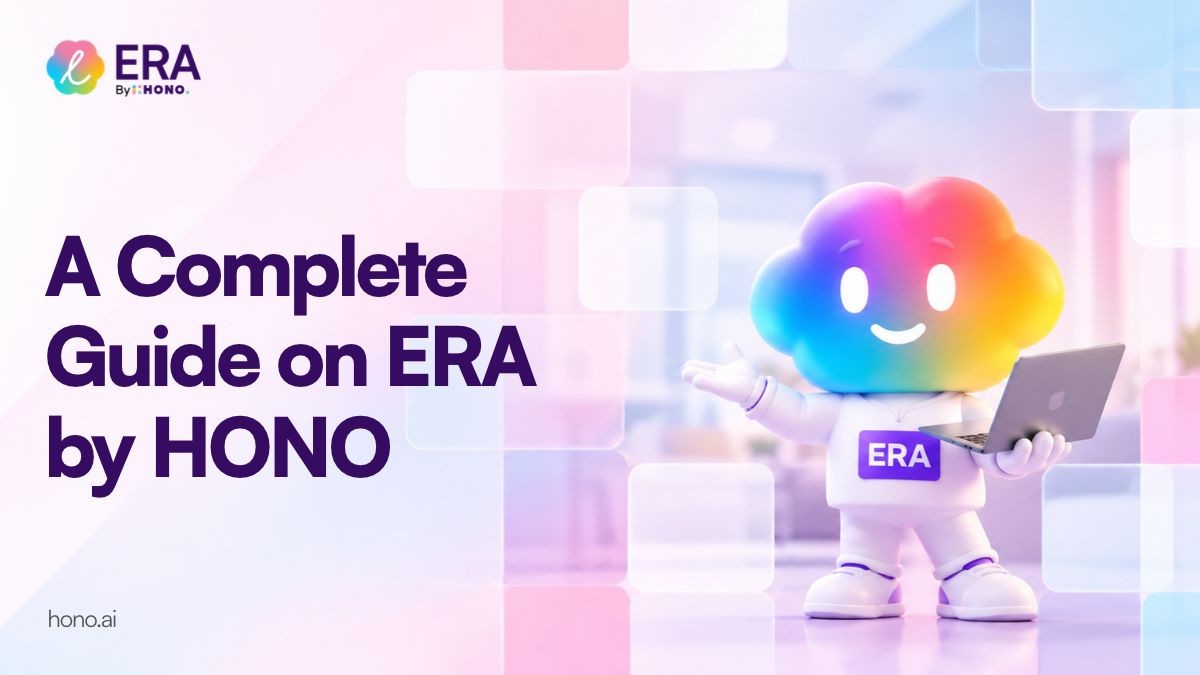
ERA is a world’s first Headless HRMS and Zero UI HR platform by HONO that lets employees, managers and HR teams interact with HR systems using natural language without navigating multiple screens and menus.
Traditional HRMS platforms often require users to find the right module, follow workflows and complete multiple steps. ERA is designed to simplify this by allowing users to state what they want to accomplish.
ERA understands a user's request, accesses the relevant HR information, determines the required action, executes permitted tasks and communicates the outcome back to the user.
ERA can support HR activities including employee information, leave, attendance, payroll, workflows, reporting and workforce analytics, depending on the capabilities and permissions configured for the organization.
Unlike a traditional HR chatbot that primarily answers questions, ERA is designed to execute supported HR actions by connecting natural language with the underlying HR system.
What Is ERA?
ERA by HONO is a Headless HRMS and Zero UI HR platform that enables employees, managers and HR teams to interact with HR systems using natural language. Instead of navigating multiple HRMS screens, menus and workflows, users can simply tell ERA what they want to accomplish.
The core idea behind ERA is simple: HR users should be able to express an intent instead of learning how to navigate software.
For example, instead of opening the leave module, searching for an employee, checking the request and navigating through the approval workflow, an authorized manager can ask ERA to approve an employee's leave. ERA can interpret the request, access the relevant information, execute the permitted action and provide confirmation.

Who Developed ERA?
ERA was developed by HONO, an enterprise HR technology company focused on HRMS, payroll and workforce management. ERA represents HONO's approach to making enterprise HR technology more accessible through natural-language interaction and AI-driven execution.
ERA is a Headless HRMS and Zero UI HRMS, in which users can interact with HR capabilities without depending entirely on traditional application screens and dashboards.
Who Is ERA Designed For?
ERA is primarily designed for enterprises (1000+ employees) where HR processes involve large workforces, multiple entities, complex approval structures and high transaction volumes.
HR teams: Retrieve workforce data, investigate exceptions and initiate HR processes without navigating multiple modules.
HR Managers: Approve requests, analyse team data and take workforce actions using natural-language commands.
Employees: Get answers and complete HR tasks without interface through Slack, Teams and chats.
HR leaders: Ask cross-functional workforce questions and generate decision-ready insights from HR data.
Where Can ERA Be Used?
ERA becomes most valuable where a request requires multiple HR systems, data points or workflow steps.
Payroll: Investigate payroll exceptions, compare payroll data and access payroll insights.
Attendance & workforce: Identify and prepare reports on attendance anomalies, overtime patterns and workforce exceptions.
Employee lifecycle: Initiate and manage onboarding, transfers, promotions and other employee changes.
Approvals & workflows: Find pending requests and execute permitted approvals.
Workforce analytics: Ask questions that combine headcount, attrition, attendance, payroll and other HR data.

What Makes ERA Different?
At its core, ERA connects human intent with enterprise HR execution.
A traditional HRMS asks users to navigate the software to complete a task. A chatbot may answer a question about that task. ERA is designed to understand the user's intent and execute complex HR actions to generate reports within the organization's configured workflows and permissions without using dashboards.

Why Traditional HRMS Is Not Enough for Modern Enterprises?
Traditional HRMS platforms have become essential for managing employee records, payroll, attendance, leave, recruitment and other HR processes. However, as enterprises grow, the complexity of using these systems also increases.
In a large organization, an HR task can involve multiple screens, modules, approval steps, data sources and workflows. HR teams may know exactly what they want to accomplish, but still need to know where to go in the HRMS and which steps to follow to get it done.
For example, a manager preparing for a quarterly performance review may want to know: “Show me how this employee performed last quarter, which skills were identified as gaps in the previous review, whether they completed the recommended learning, and whether their performance improved against those areas.”
In a traditional HRMS, the manager may need to open performance records, check previous feedback, navigate to the learning module, verify course completion, review skill assessments and then compare the results manually. ERA can bring these connected data points together and present the relevant context through a single natural-language request.
ERA Is More Than an HR Chatbot
ERA is more than an HR chatbot because it is designed to execute HR workflows, not just answer HR questions. A chatbot can help an employee find information, but ERA can connect a user's request to the relevant HR data, workflow and action, subject to configured permissions and processes.
Reporting & Workforce Analytics
Enterprise HR reporting often requires combining data from multiple HR functions and applying several conditions before a useful answer can be produced.
For example:
“Compare headcount growth, voluntary attrition, absenteeism and overtime for our manufacturing units over the last four quarters, and identify which locations have increasing attrition alongside rising absenteeism.”
Instead of manually exporting data from different reports and comparing them, ERA can work with available workforce data and analytics capabilities to generate the requested analysis.
Payroll & Employee Data Workflows
Payroll issues often cannot be investigated from payroll data alone. HR teams may need to connect salary changes, attendance, overtime, employee movements and payroll records to identify the reason for an exception.
For example:
“Find employees whose net pay dropped by more than 10% this month, check whether the change is related to attendance, overtime, leave, salary revisions or deductions, and show the exceptions that require HR review.”
ERA can bring together the relevant payroll and workforce information to help identify the underlying issue, subject to configured data access and permissions.
Attendance & Workforce Management
Attendance exceptions can become complex when they involve shifts, overtime, leave, location and payroll implications.
For example:
“Identify employees in the night shift who worked more than their scheduled hours last month but have missing overtime records, and show the cases where attendance corrections may affect payroll.”
This requires more than finding an attendance record. ERA can work across available attendance, shift, overtime and payroll data to identify relevant exceptions.

Onboarding & Employee Lifecycle Workflows
Onboarding can involve employee records, documentation, workflows, IT or HR tasks and joining schedules. A single request may therefore require multiple steps across the employee lifecycle.
For example:
“Show employees joining next Monday whose documentation is incomplete, identify the missing documents, and initiate the applicable onboarding tasks for those who have completed their required documentation.”
The user specifies the desired outcome rather than manually checking employee records, documentation status and onboarding workflows separately.
Approval Workflows
Enterprise approvals often depend on the context of the request, not simply whether an item is waiting in an approval queue.
For example:
“Show my pending promotion requests where the employee has completed the required performance review, met the eligibility criteria and has the required approval from the business head.”
ERA can identify the relevant requests using available employee, performance and workflow data, allowing the manager to review and take supported actions according to configured permissions.

Workforce Analysis Workflows
HR leaders frequently need answers that require connecting multiple workforce metrics rather than viewing a single dashboard.
For example:
“Which business units have increased headcount this year but are also showing rising attrition and declining productivity? Rank them by the change in attrition and show the underlying workforce metrics.”
ERA can interpret the request, work with available workforce data and present the relevant analysis without requiring the HR leader to manually build multiple reports.
Multi-Step HR Workflows
The strongest use cases involve requests that require ERA to identify people, evaluate conditions, retrieve information and initiate a workflow.
For example:
“Find employees completing probation this quarter, check their performance rating and attendance record, identify those who meet the confirmation criteria, and initiate the confirmation workflow for eligible employees.”
This can involve employee data, performance, attendance, business rules and workflow execution. The user expresses the business outcome, while ERA is designed to orchestrate the supported steps within the organization's configured permissions and processes.
Security, Permissions and Human Oversight
ERA does not mean giving an AI unrestricted access to HR systems. Every action must operate within the organization's configured permissions, workflows and controls.
Role-based access: ERA only exposes information and actions available to the user's permissions.
Controlled execution: Sensitive HR actions can follow existing approval workflows and business rules.
Data boundaries: Users should not be able to retrieve employee information they are not authorized to access.
Human oversight: Organizations can retain human approval for high-impact or sensitive HR decisions.
Auditability: HR actions should remain traceable through the underlying HR system and configured controls.
Get Your HR Transformed with HONO ERA!
Frequently asked
FAQs
See it live
Ready to see HONO in action?
Book a 20-minute demo tailored to your team's HR stack.
Request a demo
About the author
Harshita Bhalla is an Assistant Manager - HR at HONO and a Certified HR Payroll Specialist with around 4 years of experience in HR operations, payroll, and employee lifecycle management. She has worked across domestic and international payroll functions and brings a detail-oriented, people-first approach to everything she does. Harshita is passionate about building efficient HR systems that support both people and business growth.